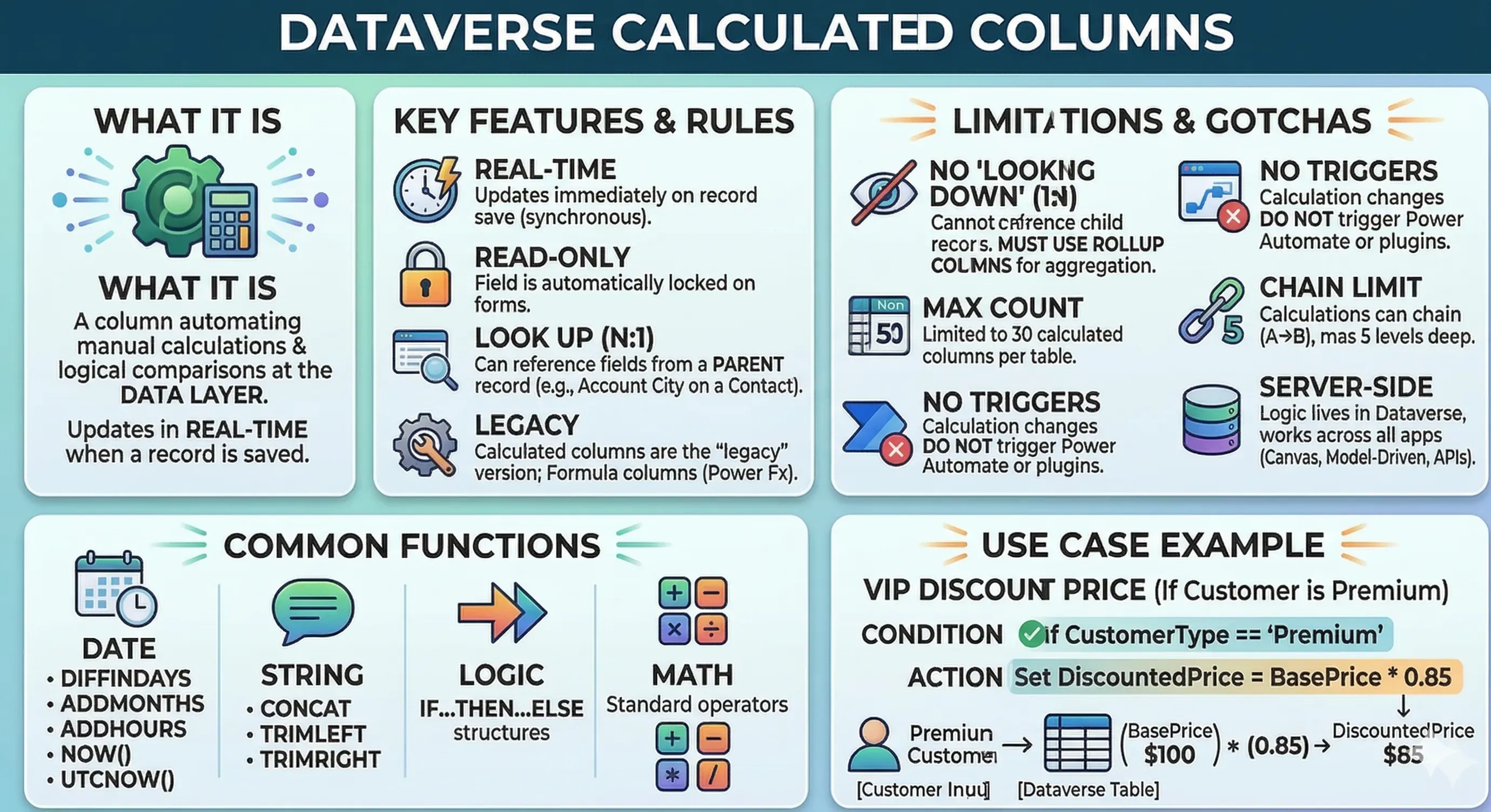
What it is
A Dataverse column used to automate manual calculations, logical comparisons, or date math at the data layer. It uses a Condition-Action editor and updates in real-time when a record is saved.
🔑 Key Features & Rules
- Real-time: Values update immediately upon saving the record (synchronous).
- Read-only: These fields are automatically locked for users on forms.
- Look Up (N:1): Can reference fields from a Parent (Lookup) record (e.g., getting the City from a parent Account).
- Calculated vs. Formula: Calculated columns are the “legacy” version; Formula columns (using Power Fx) are the modern alternative.
⚠️ Exam “Gotchas” & Limitations
- No “Looking Down”: It cannot see Child records. If you need to sum up child records, you must use a Rollup Column.
- Max Count: Limited to 50 calculated columns per table.
- No Triggers: A change in a calculated column value does not trigger Power Automate flows or Plugins.
- Chain Limit: You can chain calculations (Column A → Column B), but only up to 5 levels deep.
- Server-Side: Because the logic lives in Dataverse, the calculation works across all apps (Canvas, Model-Driven, APIs).
🛠️ Common Functions to Know
| Category | Functions |
|---|---|
| Date | DIFFINDAYS, ADDMONTHS, ADDHOURS, NOW(), UTCNOW() |
| String | CONCAT, TRIMLEFT, TRIMRIGHT |
| Logic | IF...THEN...ELSE structures |
| Math | Standard operators (+, -, *, /) |
💡 Quick Use Case Example
Scenario Calculate a “VIP Discount Price” only if the Customer Type is “Premium.”
- Condition:
If CustomerType == 'Premium' - Action:
Set DiscountedPrice = BasePrice * 0.85